Messenger is a real inbox inside the Hub. Gig Game describes it as: You can now message other members directly, right inside the Hub, with no more trading phone numbers or emails just to ask a quick question.
-
Choose the chat icon at the top of the Hub, or Messenger in the sidebar. A small number on the icon counts messages you have not read.
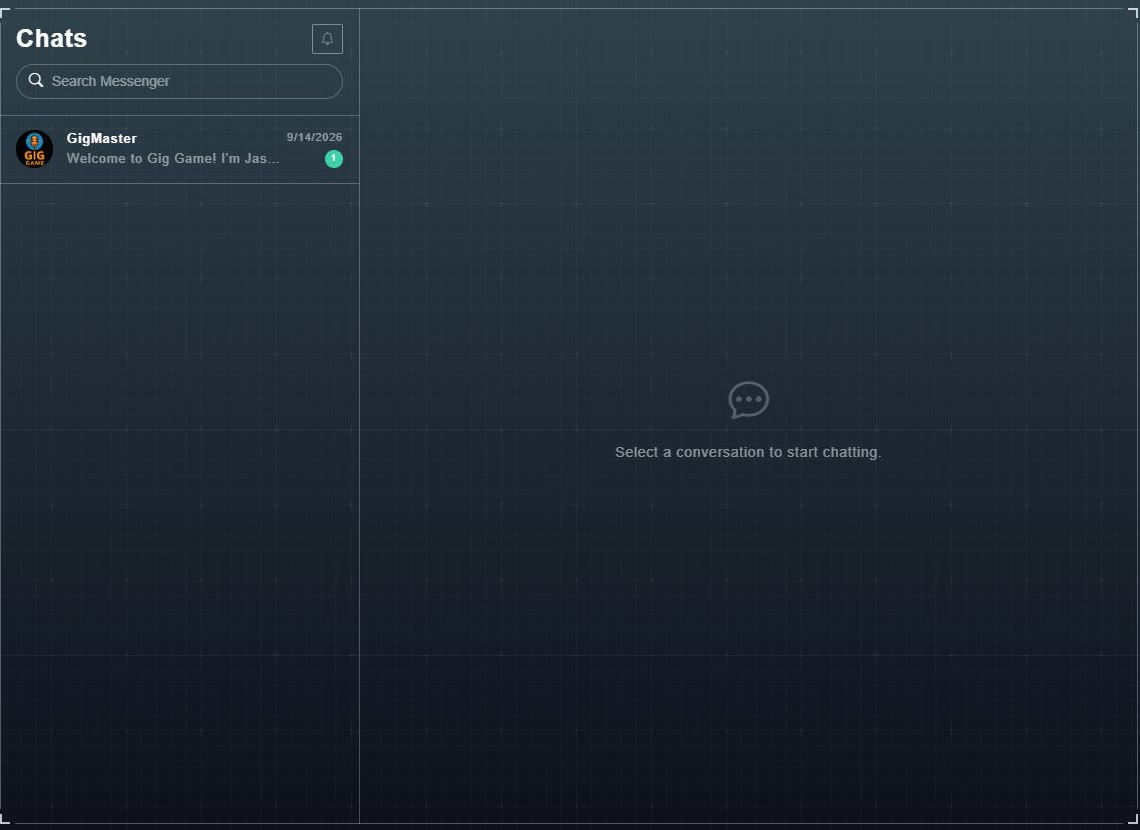
The Chats list opens. Each conversation shows the other person, the date and the start of the last message.
-
Choose a conversation.
The messages open on the right. Until you pick one it says: Select a conversation to start chatting.
-
Type your reply and send it.
Your message is added to the conversation.
- Search Messenger finds a conversation.
- A bell button beside the Chats heading, for notification settings.
- Your own notification choice, Notify Me About User Messages, is on your profile.