Reviews help other hosts choose games. Anyone can read them. Leaving one needs a paid plan.
#Read reviews
Open a game with Learn More and scroll to the Reviews panel. The number beside the title is how many reviews there are, and star ratings also show on the game's card in the library. A game with none says: No reviews yet.
#Leave a review
-
On the game's page, choose Add a Review in the Reviews panel. (You can also open My Reviews and choose Write a Review.)
The Leave a Review page opens.
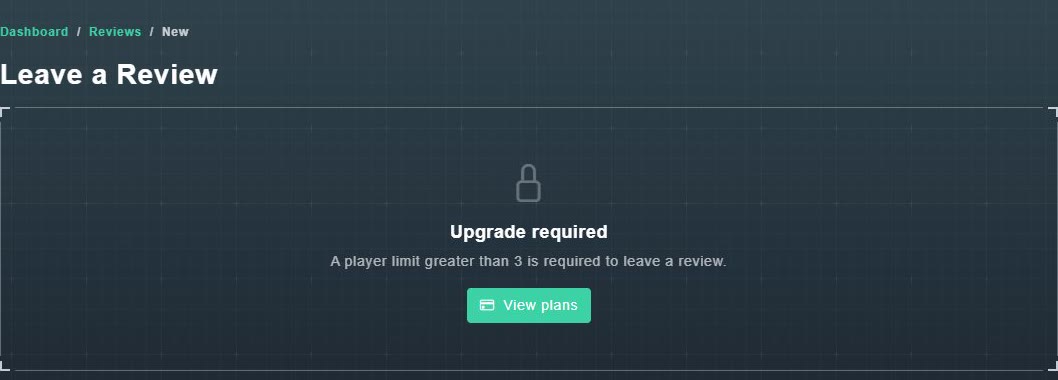
On the free plan, the page asks you to upgrade. -
Under What are you reviewing?, choose the subject of your review, for example General - Gig Game overall. If you came from a game's page, that game is already selected.
The review is attached to that choice.
-
Give a Rating, and write Your review (for example: Share your experience...).
Your words and star rating are ready.
-
Optionally choose Add Photo. You can add up to 5 images (.jpg or .png, up to 10 MB each).
The photos are attached.
-
Choose Submit Review.
Your review is sent for approval.