Plans, Tokens and Billing

Payments and receipts

See what you have been charged, check whether a payment settled, and download a receipt.

1 min read Last verified Oct 4, 2026

Take me there: Payments

Payments in the sidebar lists every charge to your account. The page says: View your payments and charges (in USD). Please note that new charges may take up to 24 hours to appear.
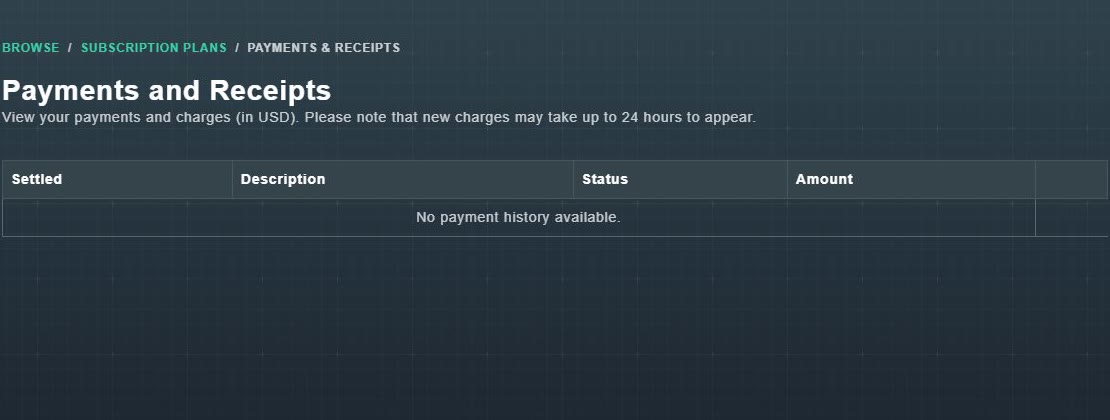
The Payments and Receipts page with a table of Settled, Description, Status and Amount columns, empty.
Payments and Receipts.
  1. Open Payments.

    A table shows when each charge Settled, its Description, its Status and its Amount. With no charges it says: No payment history available.

  2. On a payment that settled, choose Download Receipt.

    Your receipt for that payment opens, ready to save or print.

Still need help?

Create a free account to try Gig Game, or contact us if you have a question before you start.