Players do not install anything. They scan your QR code or open giggame.app/play in their phone's browser and type the access code.
-
A player scans the QR code, or goes to giggame.app/play.
They are asked for the access code.
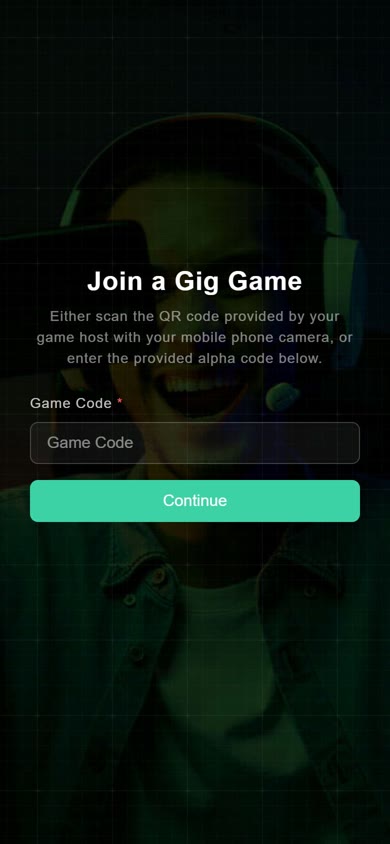
Entering the access code. -
The player enters the access code.
They are asked for a player name.
-
The player chooses a name.
If you asked for more information, such as a phone number or email, they are asked for it now. See the sign-in fields.
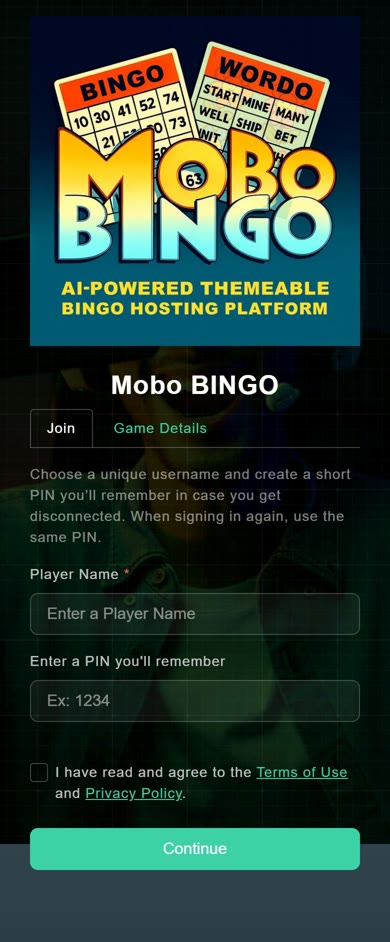
Choosing a player name. -
The player waits for the game.
A waiting screen shows until you start. The player appears in your player list on the Host Console.

Waiting for the game to start.
After that, the phone shows whatever that game needs: a bingo card, answer buttons, and so on. Each game's own phone screen is covered in that game's guide.