-
Open My Player Contacts and choose the Export tab.
The Export Contacts page shows three filters.
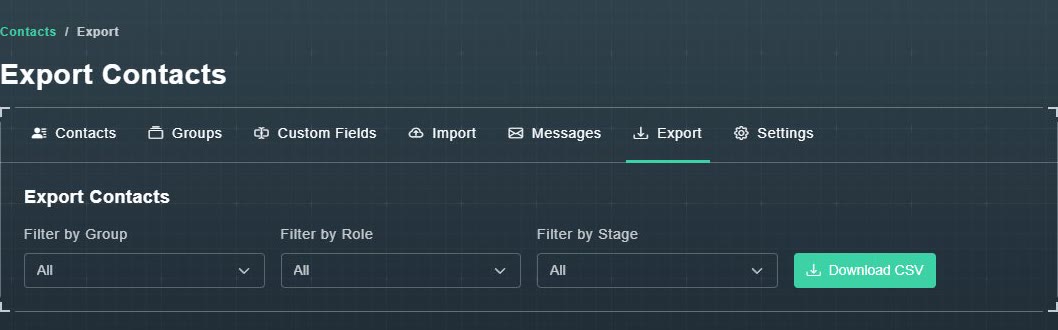
Export Contacts. -
Optionally set Filter by Group, Filter by Role and Filter by Stage. They all start on All.
Only matching contacts will be in the file.
-
Choose Download CSV.
A spreadsheet file downloads.
Contacts and Email
How to export your contacts
Download your contacts as a CSV file, optionally filtered by group, role or stage.
Still need help?
Create a free account to try Gig Game, or contact us if you have a question before you start.