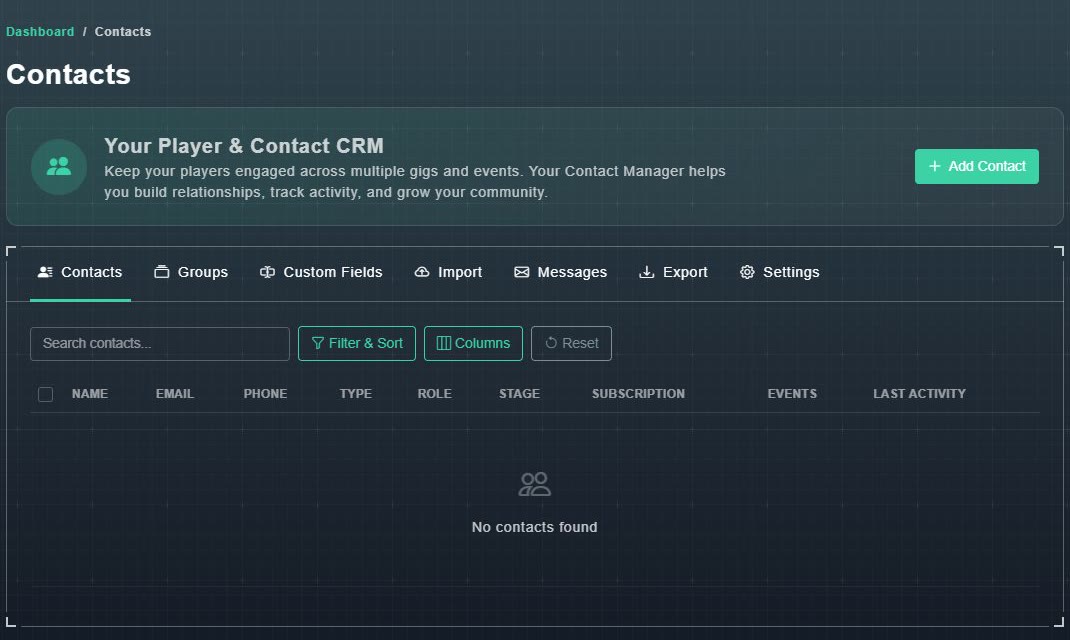
My Player Contacts is where you keep the people who play your games. The page calls it your Player & Contact CRM: Keep your players engaged across multiple gigs and events. Your Contact Manager helps you build relationships, track activity, and grow your community.
#The tabs
| Tab | What it is for |
|---|---|
| Contacts | The list of people, with search, filters and columns. See adding and managing contacts. |
| Groups | Named lists you can email at once. See groups and custom fields. |
| Custom Fields | Extra details you want to keep about people. |
| Import | Bring people in from an event or a file. See importing contacts. |
| Messages | Emails you have sent. See message history. |
| Export | Download your contacts as a spreadsheet. See exporting contacts. |
| Settings | How your emails are sent. See sending settings. |