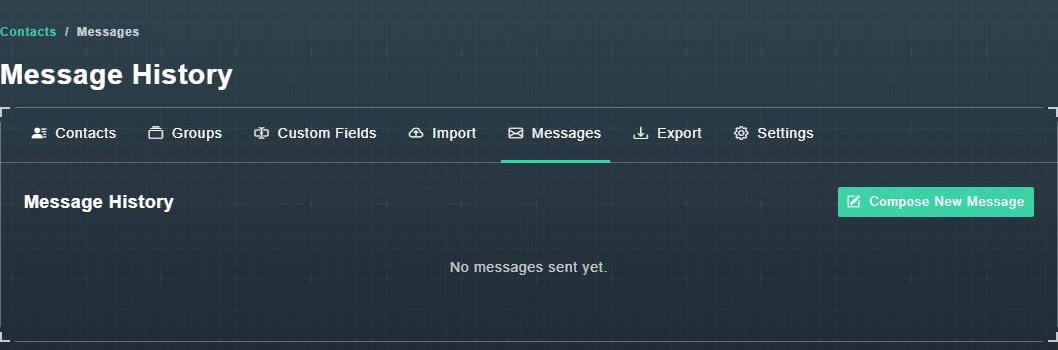
The Messages tab is your Message History. It is empty until you send something and says: No messages sent yet. A Compose New Message button is at the top.
#Look at one message
Choose a message to open it. The page shows the subject, an Email Preview button, summary numbers, an Opens Over Time chart, and a Recipients table with each person's Contact, Email, Status, Opens and Last Open.
| Tab | Shows |
|---|---|
| Opened | People who opened the email. |
| Unopened | People who have not. |
| Delivered | Emails that reached an inbox. |
| Bounced | Addresses that could not be reached. |
| Spam | People who marked it as spam. |
| Unsubscribed | People who opted out. |
| Failed | Emails that were rejected or failed. |
Tabs with nothing in them are hidden, except Opened and Unopened.
#Follow up with the people who opened it
-
Choose Save as Group.
A window offers Add to existing group or Create new group (with a Group name).
-
Pick or name a group and choose Save.
The message's recipients are saved as a group you can email again. See groups.