#Groups
A group is a named list of contacts, such as Tuesday regulars or Sponsors. Groups are what you pick when you want to email a set of people together.
-
Open the Groups tab and choose Add Group.
A small form appears with Name and Description.
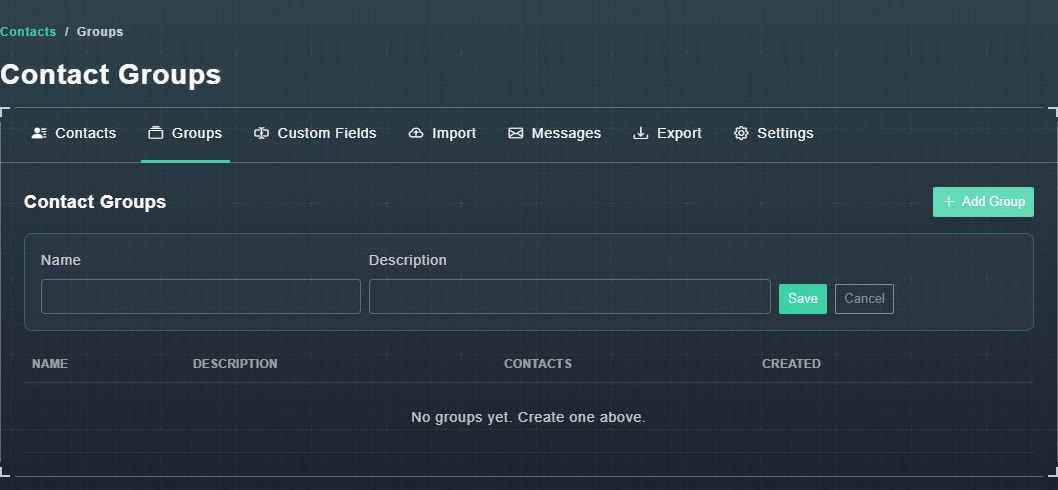
Add Group. -
Type a name (and a description if you like), then choose Save.
The group appears in the table, which shows its Name, Description, Contacts count and when it was Created.
You can also put people in a group when you import them, or turn a message's recipients into a group from the message history.
#Custom fields
Custom fields let you keep details that the standard contact form does not have, such as T-shirt size or favourite game.
-
Open the Custom Fields tab and choose Add Field.
A form appears with Field Name, Type and Sort Order.
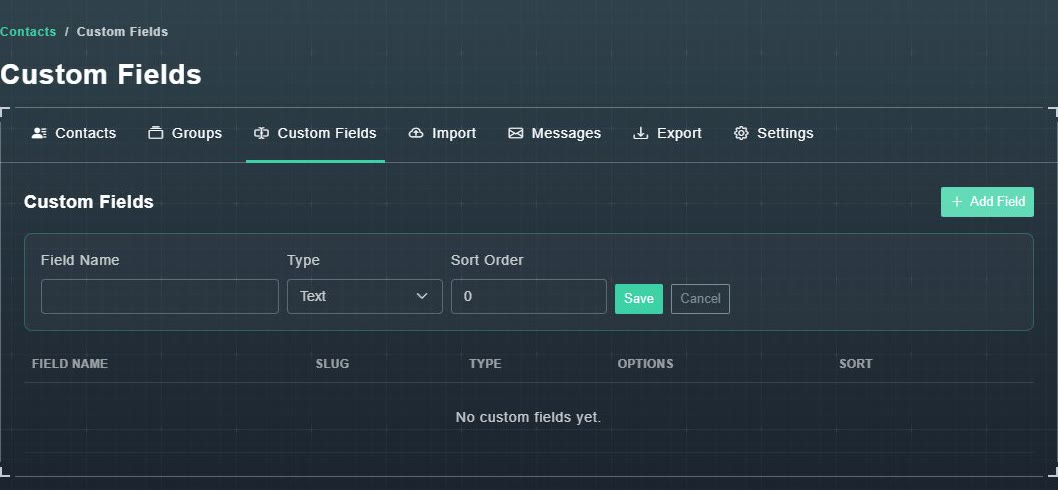
Add Field. -
Name the field and choose a type: Text, Number, Date, Boolean, Select or Multi-Select.
The type decides what you can enter for each contact.
-
Set the Sort Order (a number that decides where the field appears), then choose Save.
The field appears in the table with its Field Name, Slug, Type, Options and Sort.