The Players & Data tab holds everything about who joined. It is kept after the event ends, until you delete the event.
-
Open the event and choose Players & Data.
Under Player roster & scores you will see each player's number, Name, Email, Phone and Score.
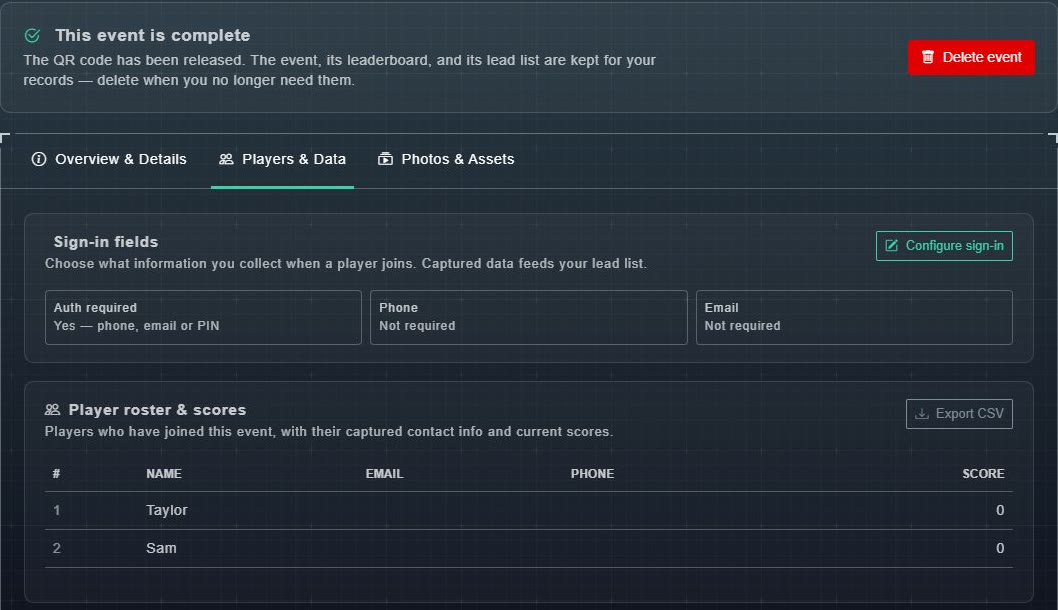
Player roster & scores on a completed event. -
Choose Export CSV.
A spreadsheet file downloads with the roster.