Under the event's title, the line App names its game. Choose Switch app to change it.
-
Open the event and choose Switch app (next to the game name).
A window lists your games.
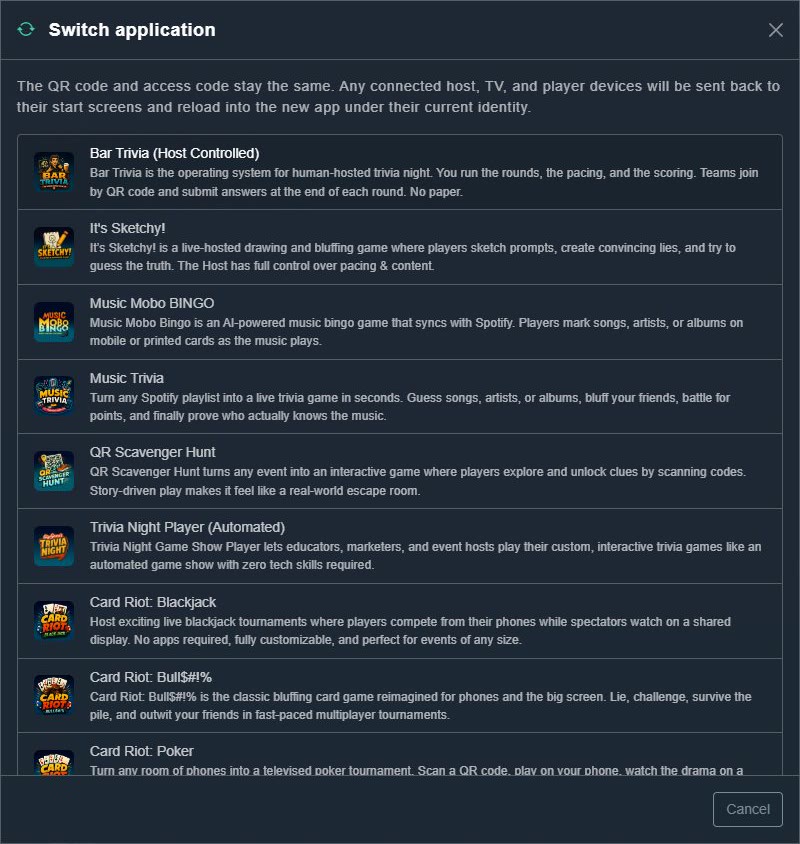
Switch app. -
Choose the new game.
You are asked: Switch this event to the game you chose? Connected devices will reload into the new app. Choose OK, and the event runs that game, keeping its QR code and access code.