The button at the top right of an event page, such as 3 players supported, shows how many players the event can hold. Your plan sets the limit.
-
Choose the players supported button.
The Add player capacity window opens. It says how many players are currently supported, and: Your subscription already covers the players above. Only add an audience activation if you expect more participants than your plan allows for this specific event.
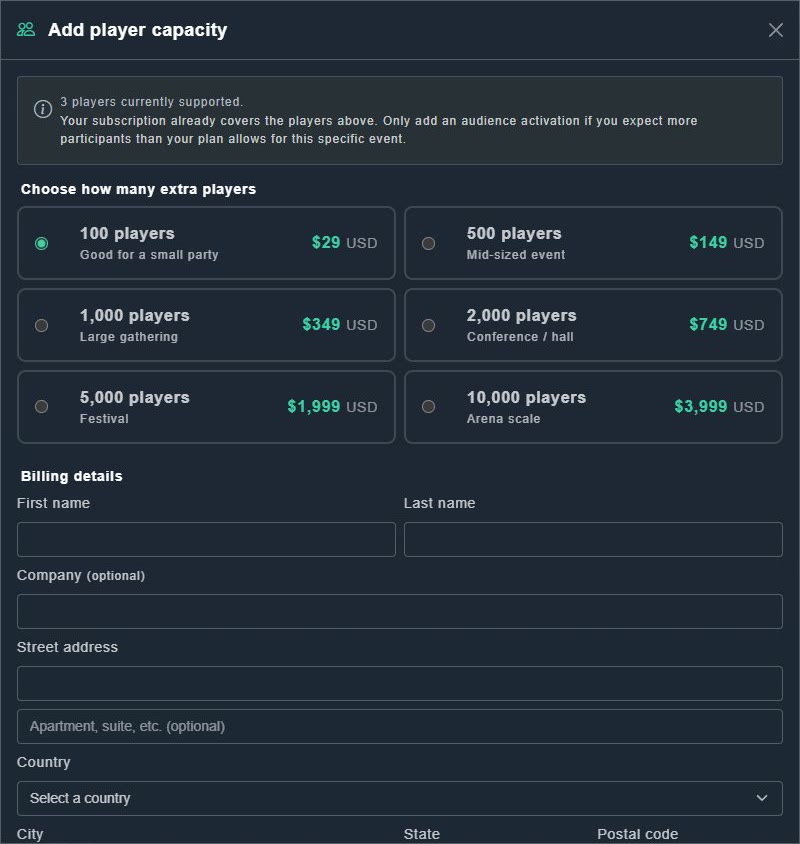
Adding player capacity. -
Under Choose how many extra players, pick a size from 100 to 10,000 players, and read its price.
The sizes and prices are listed in adding capacity to one event.
-
Add your billing details and card only if you want to buy.
Read the price before you confirm anything.