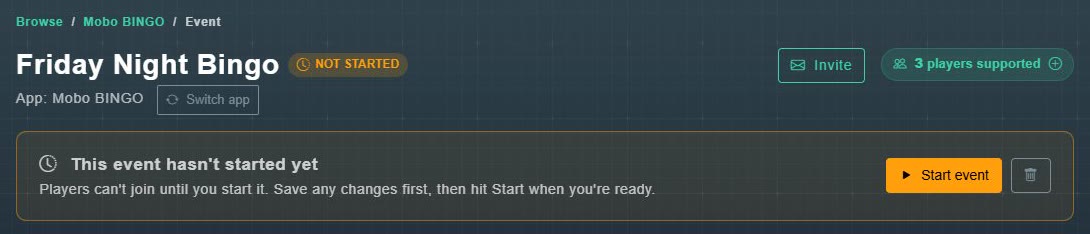
Every event has its own page. It shows the event's name and status, and has three tabs: Overview & Details, Players & Data and Photos & Assets.
#Statuses
| Status | What it means |
|---|---|
| Not started | The event exists, but players cannot join. Save any changes first, then choose Start event. |
| Running | Players can join. The page shows the QR code, access code, and buttons to open the host console. |
| Completed | The QR code has been released. The event, its leaderboard and lead list are kept for your records until you delete it. |
#Start an event
-
Open the event and choose Start event.
You are asked: Once the game starts, players can join using the QR code. Continue? Choose OK. The event becomes Running, and players can join with the QR code or access code.
-
Choose Open host console to run the game.
The Host Console opens in a new screen.
See also sharing the QR code and ending your game.