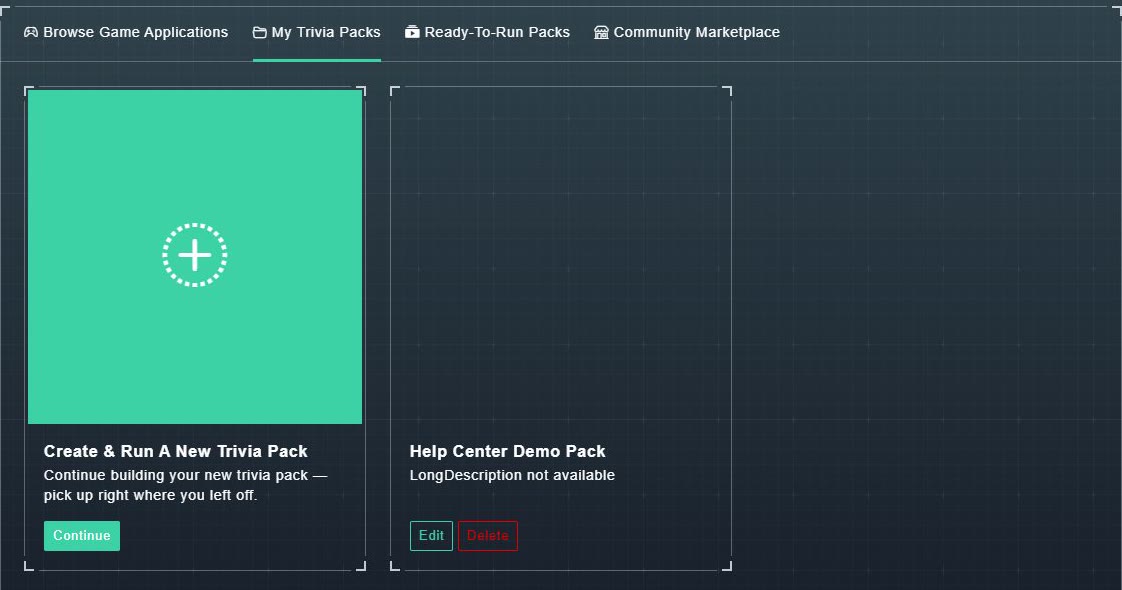
My Trivia Packs (also called My Customized Packs) lists every pack you have built, published or not. It starts with a card for a new pack: Create & Run A New Trivia Pack, which says: Continue building your new trivia pack - pick up right where you left off, with a Continue button. If you have not started one, its card offers Get Started.
#The two states
| State | What it means |
|---|---|
| Draft | You can still edit it. It cannot be played yet. |
| Published | It is ready to play, and it is locked: the editor says The game is currently published for play and cannot be modified in this state. Unpublish it to make changes. |
#The buttons on a pack's card
- Play Now (published packs only): start playing. See playing a pack.
- Edit: open the pack in the builder.
- Share or Unshare (published packs only): see sharing a pack.
- Delete: remove the pack, after a confirmation.