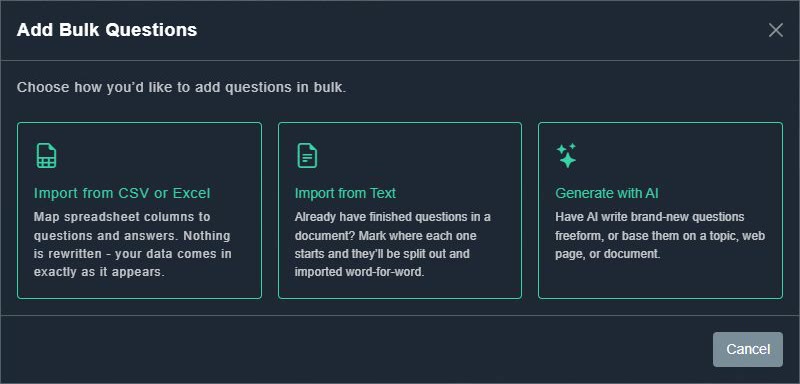
Generate with AI (the AI Build tool) writes brand-new questions for you. Use the catalog's Add Bulk button, or Import From... in Quick Trivia, then choose Generate with AI.
#Three sources
| Source | What you give it |
|---|---|
| AI | A topic and how many questions you want (up to a limit), plus optional custom instructions to steer the tone and style. |
| Web page | A web address. AI reads the page and writes questions grounded in what it says. |
| Document | A PDF, Word or text file, up to 15 MB. |
You also choose the Category, Tags, Difficulty, question Type and Language. In the full builder you can pick an art style so every question gets an illustration.
#It runs in the background
- Anything that makes more than one question, image or video is a real background job. It starts the moment you submit it and keeps running on the server even if you close the page.
- A live progress bar with a percentage and a running, queued or done badge shows how it is going.
- Turn on SMS notify to get a text message when it finishes.
- You can keep working while it runs, such as adding questions by hand or editing other packs. A message confirms it started, and a live progress panel on the catalog page tracks it.
- Only single-item generation, one AI-written question or one AI photo, happens instantly while you wait. See AI Assist.
- It uses AI tokens. See your balance and costs in AI tokens.