Build & Publish is the last step. It is on every screen of the builder.
-
Choose Build & Publish.
A window titled Build & Publish - Step 1 of 2 asks what you would like to publish. It says: AI dialog and voice are optional - you can always come back and add them later.
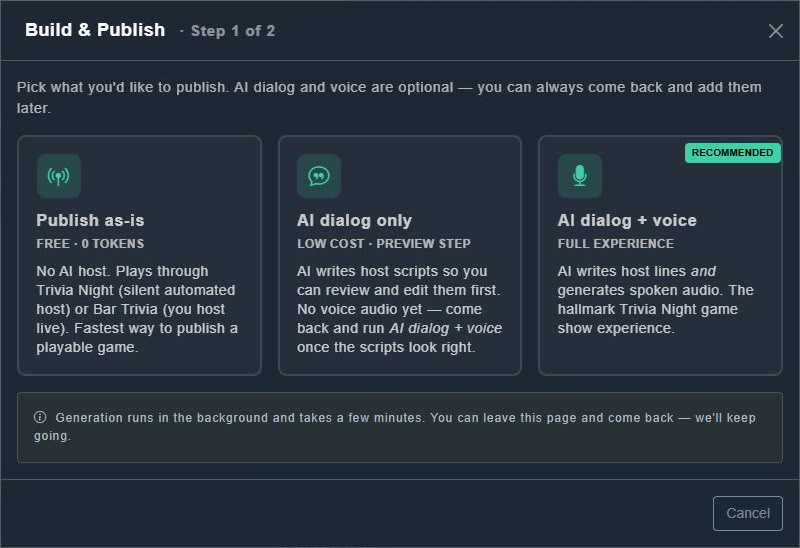
Build & Publish. -
Choose one of the three options (below).
The pack is published, or a background job begins.
| Option | Cost | What you get |
|---|---|---|
| Publish as-is | Free: 0 tokens | No AI host. It plays through Trivia Night (a silent automated host) or Bar Trivia (you host live). The fastest way to a playable game. |
| AI dialog only | Low cost | AI writes host scripts that you can review and edit first. There is no voice audio yet. Come back and run dialog plus voice when the scripts look right. |
| AI dialog + voice (Recommended) | Full experience | AI writes the host's lines and generates spoken audio: the hallmark Trivia Night game show. |
Generation runs in the background and takes a few minutes. You can leave the page and come back, because it keeps going, and live progress is shown.