The Categories tab, titled Game Categories and Backgrounds, lists the categories your pack's questions use. Questions are grouped by category, and players choose a category each round in an Automated game.
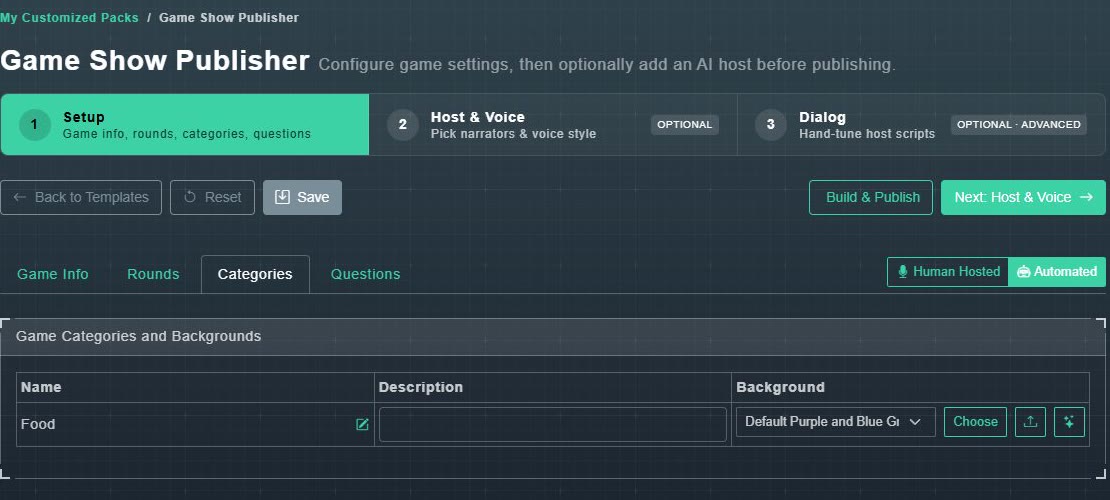
- Name: the category's name. The pencil beside it renames the category on every matching question in this pack.
- Description: an optional line about the category.
- Background: pick one from the menu, choose Choose to browse the library, use the upload button for your own, or the sparkle button to make one with AI.